
Welcome to the mailbox user forum


Cannot edit additional emails in account settings
Solved
Bug report for the new beta:
I had previously added a domain before joining the beta. When I go to my user settings to edit it and click on it, there is nothing in that screen to edit that second email.
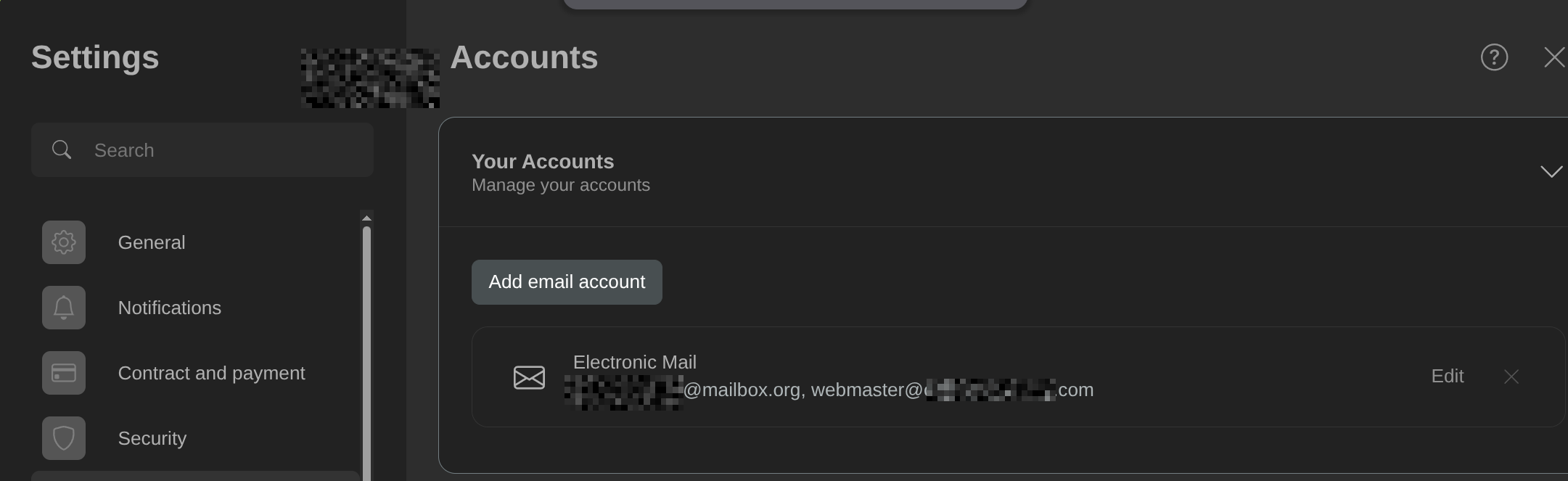
There is nothing about that second "webmaster@" email in the settings.
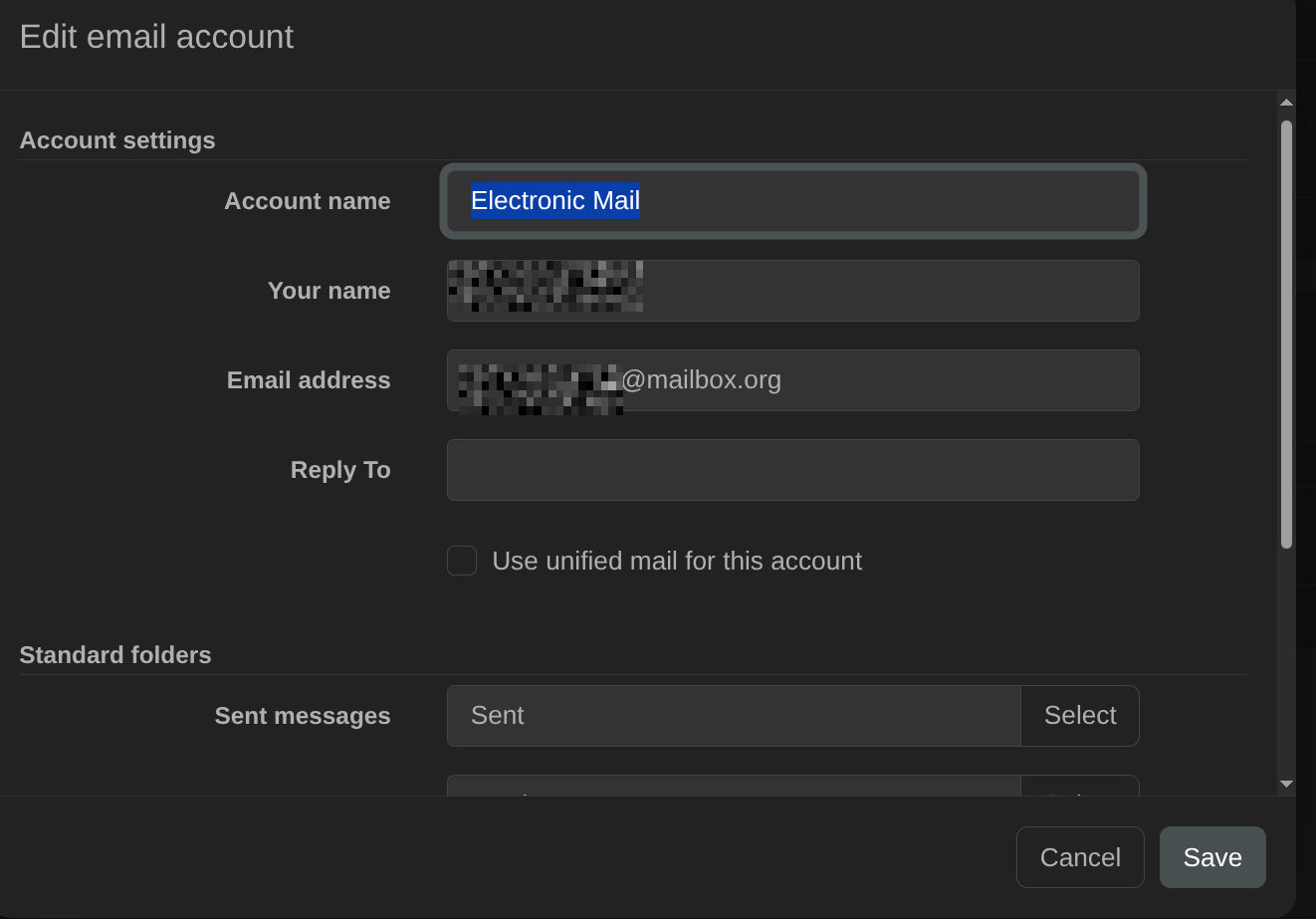
 The same problem


You can't vote. Please authorize!
No connection
Real-time notifications may not work
I figured it out!
I needed to scroll down and delete the email alias from the email addresses section and refresh. Then the additional email went away.
RESOLVED
I figured it out!
I needed to scroll down and delete the email alias from the email addresses section and refresh. Then the additional email went away.
RESOLVED
I figured it out!
I needed to scroll down and delete the email alias from the email addresses section and refresh. Then the additional email went away.
RESOLVED
I figured it out!
I needed to scroll down and delete the email alias from the email addresses section and refresh. Then the additional email went away.
RESOLVED
Hi,
thank you for your message and for posting the solution! You have been faster than us. This will help a lot of our customers!
With kind regards
Your mailbox team
---
Useful Links:
Hi,
thank you for your message and for posting the solution! You have been faster than us. This will help a lot of our customers!
With kind regards
Your mailbox team
---
Useful Links:
Replies have been locked on this page!